Home » Link Gulf – Main Store Page » FDM 3D Printers » Bambu Lab H3C AMS – PRE-ORDER
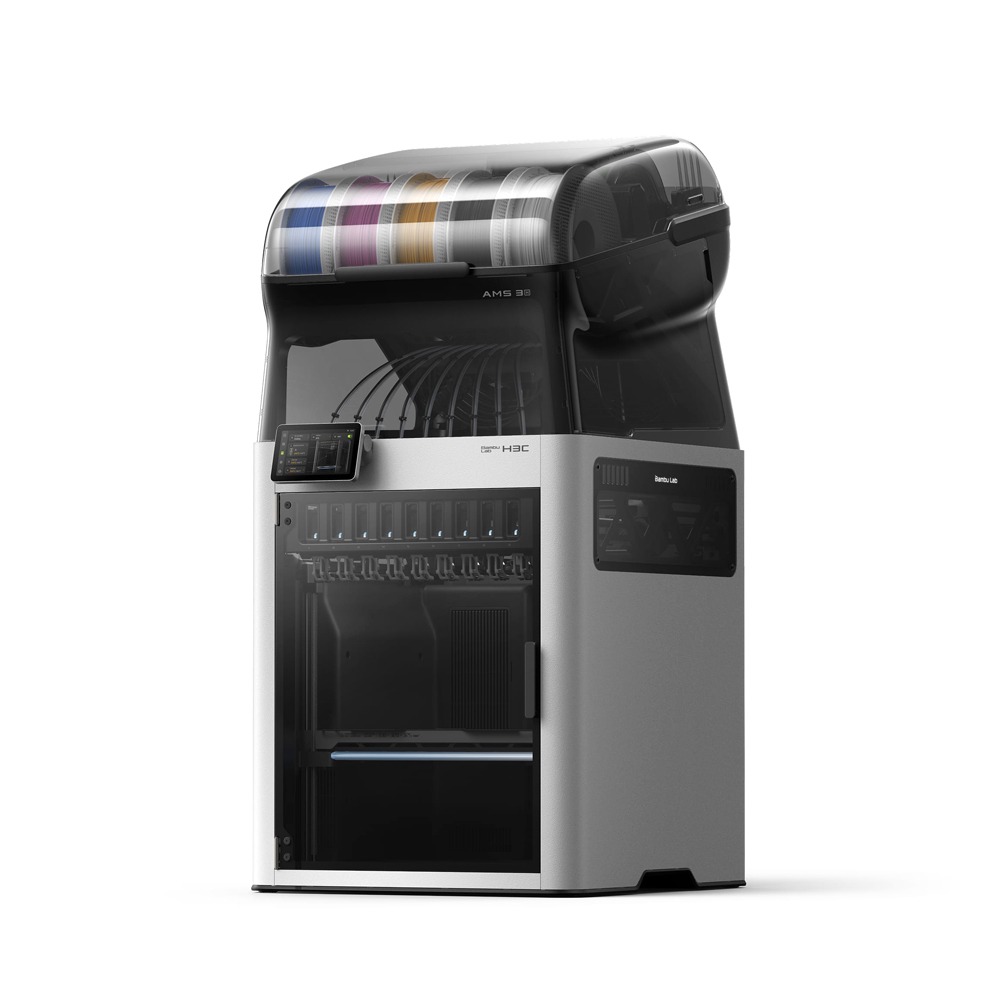
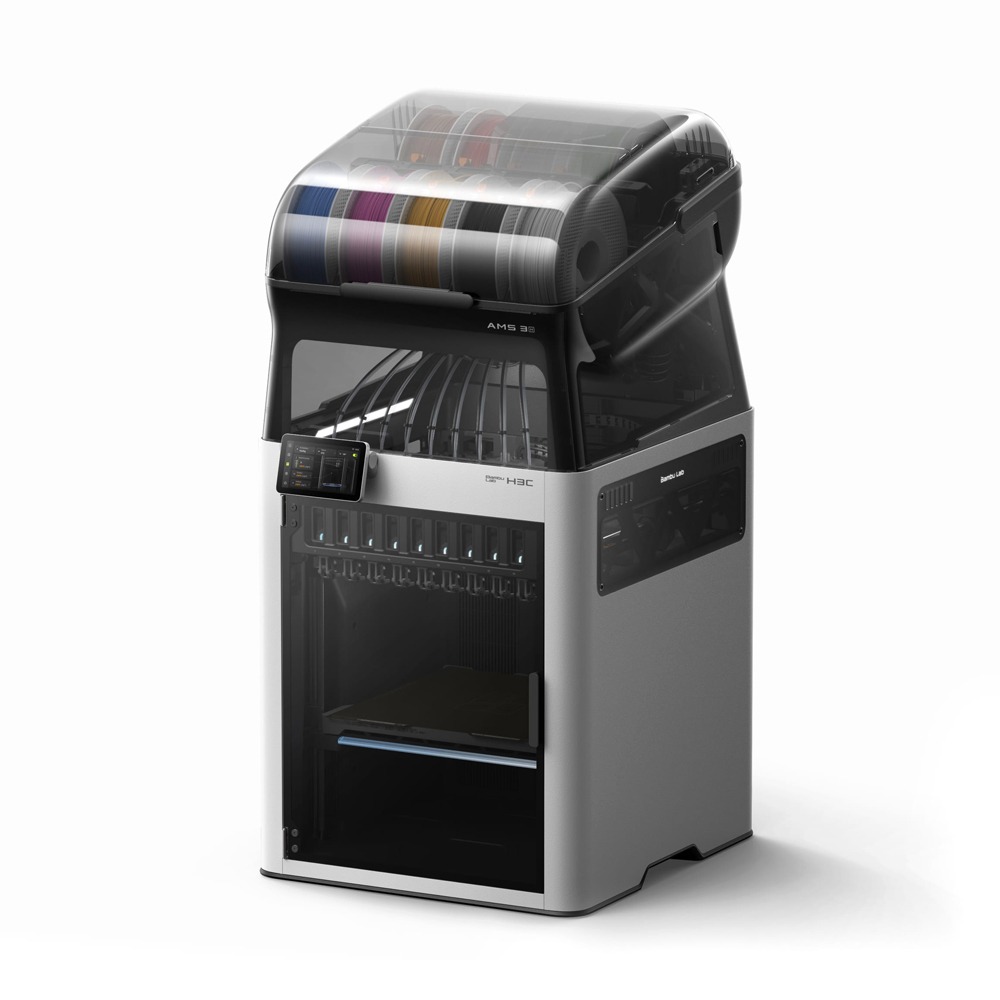
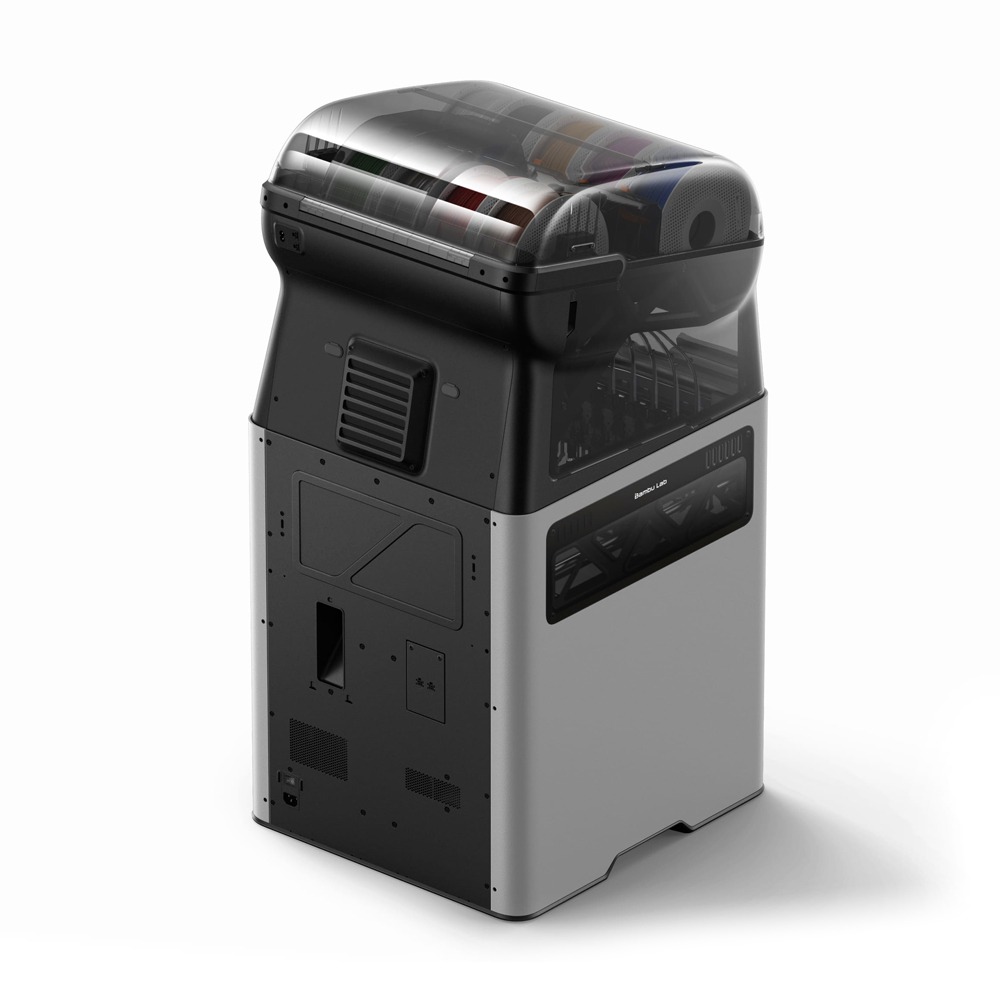
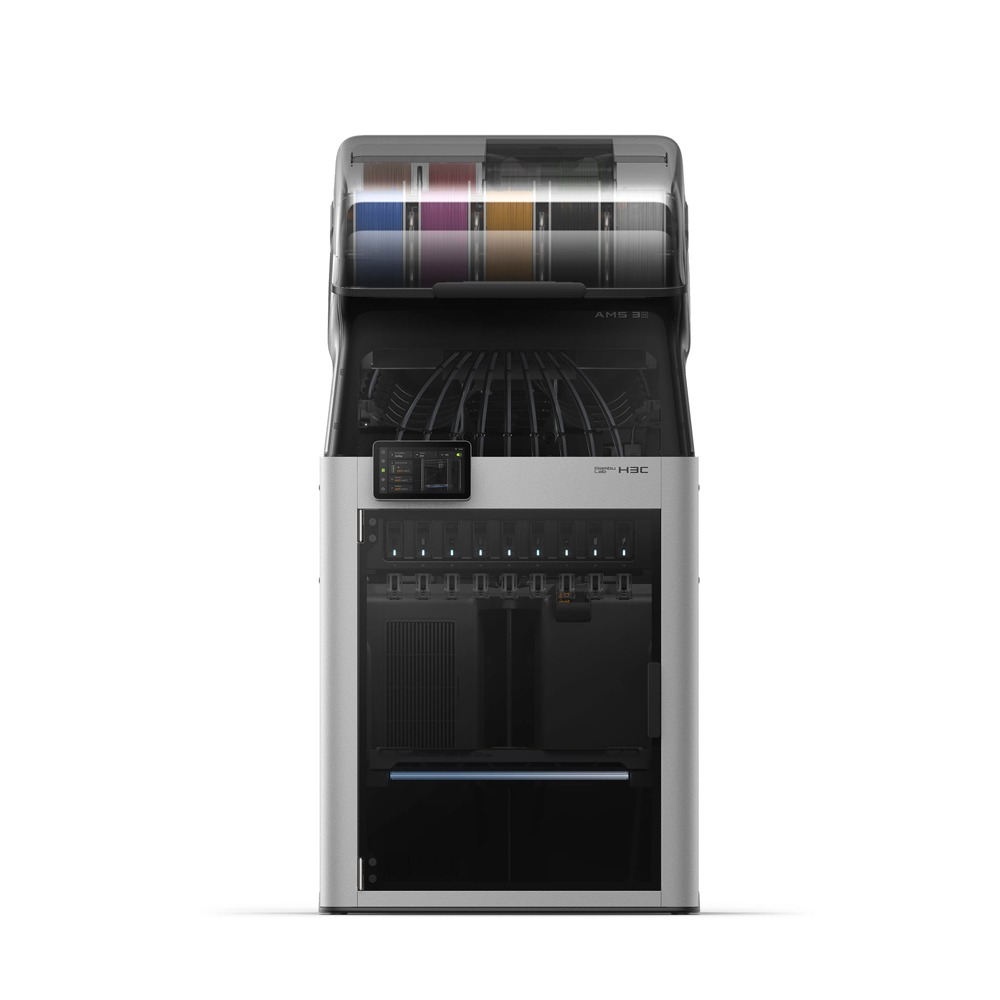
Bambu Lab H3C AMS – Tool Changer. Game Changer.
Welcome to the new era of 3D printing! Due to begin shipping on 20th November 2026.
Nine PrintTools, each with its own dedicated filament path and heater, keep every material loaded, preheated, and ready to print. No need to retract one filament before loading another. With an optimised design, fine-tuned parameters, and active preheating, switching between PrintTools takes as little as 6 seconds.
Pre-Order Now
Prices shown are for the United Arab Emirates only and exclude VAT @ 5% Local Rate (Unless Otherwise Stated).
Other countries may incur additional import duties.
Please Contact Us for further details and pricing for your country or location.
Bambu Lab H3C AMS – Tool Changer. Game Changer.
Welcome to the new era of 3D printing!
Nine PrintTools, each with its own dedicated filament path and heater, keep every material loaded, preheated, and ready to print. No need to retract one filament before loading another. With an optimised design, fine-tuned parameters, and active preheating, switching between PrintTools takes as little as 6 seconds.
Preheat the next nozzle before you need it.
Heating a nozzle usually means waiting. Active Pre-Heat looks ahead to the next tool change and warms the incoming nozzle while the current one is still printing—so the new material starts laying down within 6 seconds.
Printing soft TPU has traditionally been slow because flexible filament can buckle before reaching the nozzle, limiting extrusion speed. FlexFeed supports both 1.75 mm and 2.85 mm filament, with dedicated 2.85 mm TPU offering greater buckling resistance and higher volumetric flow. The result? Reliable printing with TPU as soft as 75A at up to 3× the flow rate of traditional printers.
FlexFeed switches seamlessly between 1.75 mm and 2.85 mm filaments. A cam-driven mechanism, powered by a PMSM motor, keeps tension precise and consistent—so every extrusion stays rock-solid.
Speed where you want it. Detail where it matters.
The dial, case, and flexible TPU band work as one piece. Fine dial details call for a 0.2 mm nozzle, the case is better suited to 0.4 mm, and the soft band requires a dedicated 0.4 mm TPU nozzle. H3C can carry different nozzle sizes at once.
Paired with Bambu Studio’s new mixed-diameter toolpath planning algorithm, each nozzle prints at a layer height that suits it and plays to its strengths, without having to share a single layer height.
It’s all about curiosity.
Watching a print come to life is part of the magic of 3D printing. That’s why the rack retracts out of view, giving you a clear look inside the chamber. Pull up a chair, watch the first layer take shape, and enjoy the process. It’s something that never gets old.
Swaptek isn’t limited to PrintTools. Optional CutTool, DrawTool, DebossTool—and more—mount the same way and switch automatically. Multi-process projects no longer mean multiple machines, manual swaps, or repeated setups. One job, every process, hands-off.
A fully enclosed, integrated filament management system built for Swaptek™: every roll stays sealed against moisture and feeds automatically into the PrintTool. A built-in 2-slot dryer takes extra care of the most hygroscopic filaments—PA, PET, and TPU.
No guesswork on loading.
No more manual loading. Drop a filament into any of the nine slots, and the AMS 3H detects, routes, and engages it with the PrintTool automatically—across all 9 paths.
Drying, integrated into the print flow.
A dedicated 2-slot dryer sits right in the filament slots and works with Swaptek™—drying on demand or mid-print*, so prep never stalls production. It reaches 85°C*, enough for engineering-grade PA, PC, and carbon-fibre-filled filaments.
Nine materials, with room for more.
Most toolchangers limit the number of materials to their available tools. The H3C goes further. Connect existing Bambu Lab AMS units through PrintTool No. 1 to support up to 24 filament spools, unlocking more colours and materials in a single print without changing your workflow. Already own an AMS? Simply connect it and expand your possibilities.
Filament storage, built in. Not hanging off.
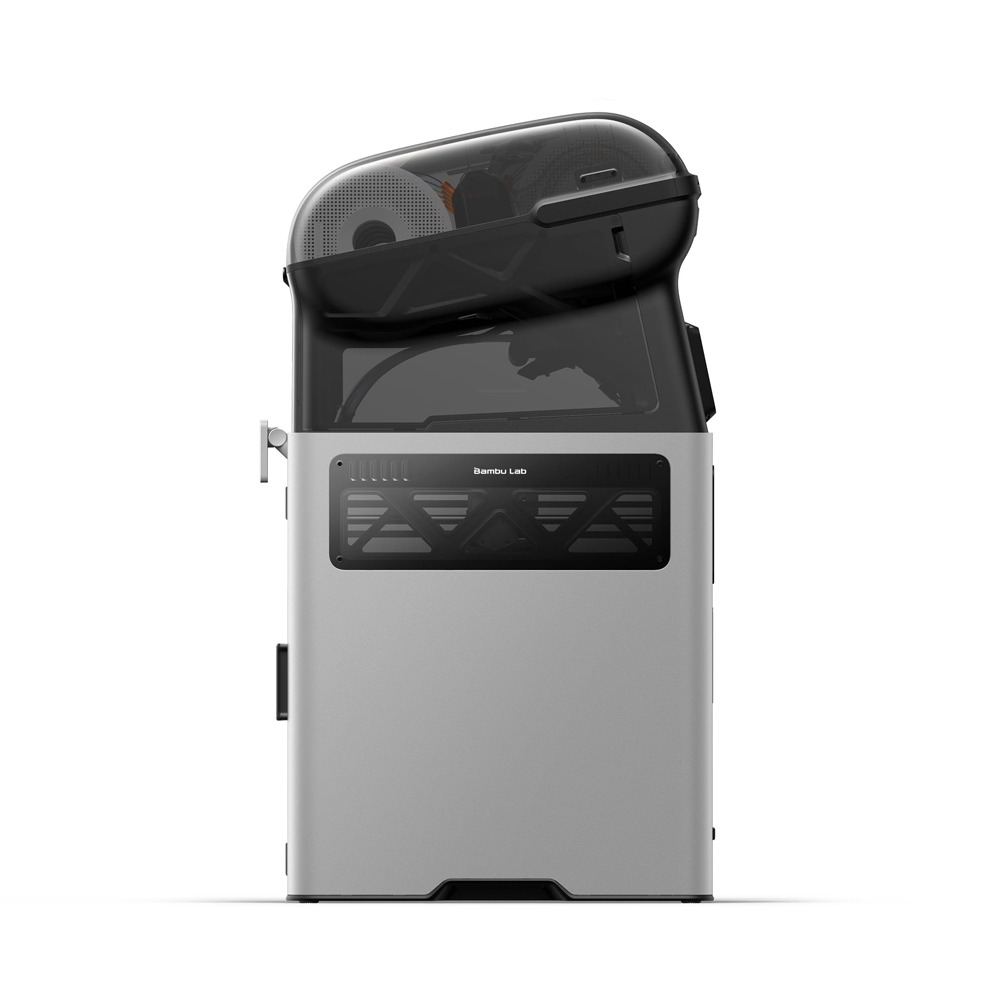
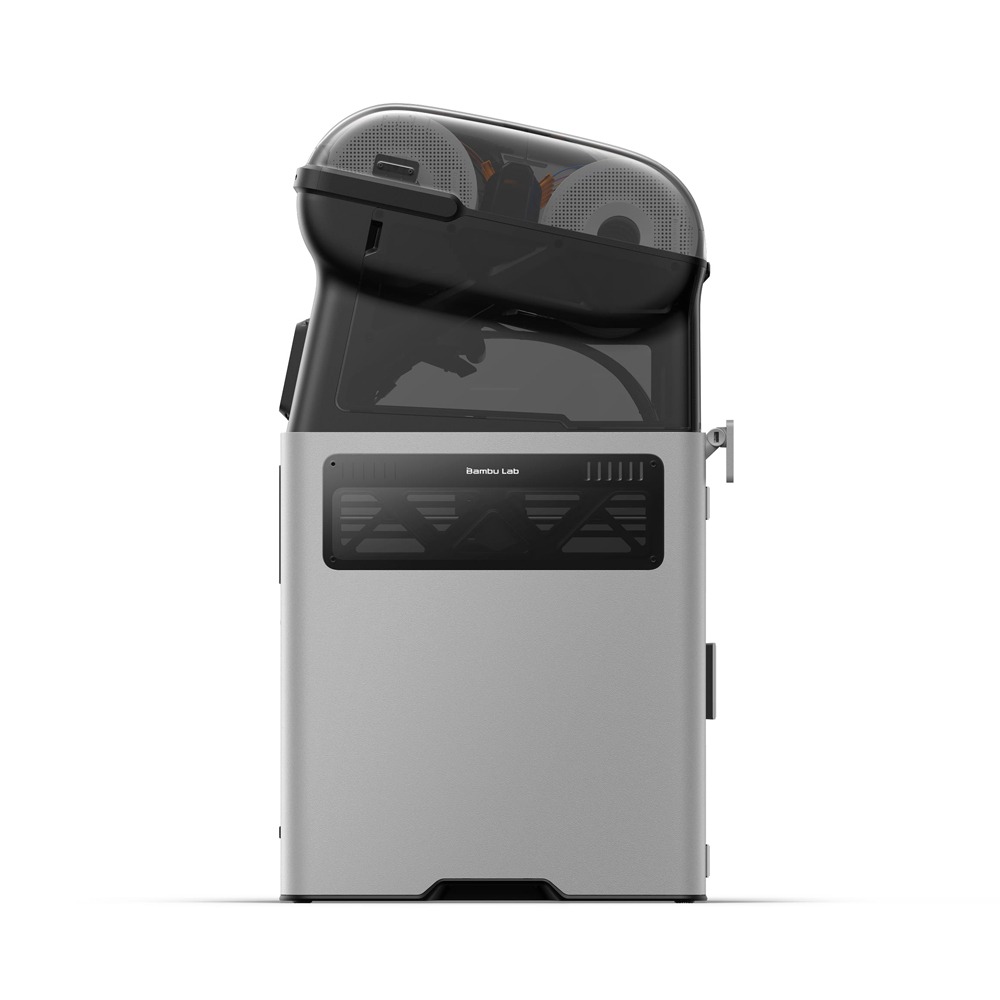
No spools hanging off the side, no dryer taking up valuable workspace. The H3C integrates filament storage and drying into a clean, compact design, maintaining a footprint comparable to a single-nozzle printer. No external racks or exposed filament paths. Just one streamlined, all-in-one printing solution.
Behind the H3C’s advanced multi-material capabilities is a foundation engineered for precision and performance. Cross-flow cooling delivers cleaner overhangs, a 65°C heated chamber helps minimise warping with engineering-grade materials, and an advanced motion system maintains fine detail even at high speeds. Complex prints demand more from your printer. The H3C is built to deliver.
Lighter head. Faster prints. Same precision.
The toolhead and X-axis assembly are 40% lighter*, reducing inertia for faster, more precise movement. With acceleration reaching 25,000 mm/s and travel speeds up to 1,400 mm/s, the H3C delivers exceptional speed while minimising vibrations and ringing that can affect print quality.
50 μm motion accuracy. Held for years, not weeks.
For projects where precision matters, from engineering components to production runs, the optional Vision Encoder helps maintain accuracy over time. By providing an absolute optical reference, it enables recalibration to compensate for mechanical wear and drift, restoring motion accuracy to under 50 μm across the build volume. Precision you can rely on, print after print.
Cooled at every level. Print clean, even in summer.
Effective cooling is essential for consistent print quality. That’s why the H3C features four layers of cooling working together. A CFD-optimized part cooling fan and dual auxiliary fans help maintain clean overhangs and bridges, even at high speeds.
A dedicated PrintTool fan maintains thermal stability during extended printing and frequent PrintTool changes, while a chamber fan draws in cooler air to help regulate internal temperatures*.
Together, these systems deliver consistent cooling and reliable print quality across changing ambient temperatures.
Engineered for High Temperatures, From Nozzle to Chamber.
Engineering-grade filaments demand precise temperature control. The H3C delivers with active dual-zone chamber heating up to 65°C, helping maintain consistent temperatures and minimise warping. All nine hardened-steel nozzles reach up to 350°C, supporting demanding materials such as ABS, PC, PA-CF, PET-CF, and more.
The H3C packs advanced technology into a surprisingly simple experience. Automation handles routine tasks, while AI helps make intelligent adjustments along the way. Whether you’ve been 3D printing for ten years or just ten minutes, the H3C makes it easy to focus on what matters most: bringing your ideas to life.
Nine tools, calibrated automatically—every time.
With nine PrintTools working together, precision is essential. The H3C automatically handles PrintTool docking calibration, offset compensation for accurate color and material alignment, and bed levelling before every print. No manual adjustments needed.
It watches, so you don’t have to.
A full array of vision systems* watches from before the first layer to the last. Up front, the H3C checks the chamber against your slicer setup and flags mismatches while they’re easy to fix. Then its AI catches spaghetti, purge-bin jams, and clogs before they cascade. Check in whenever you like.
Find the fix, right on your screen.
The new HMS doesn’t just throw an error code at you. It diagnoses the actual cause—narrowing it down, ranking the possibilities, and explaining what each one means in plain language. You see what’s wrong, not what might be. Then MiniWiki walks you through the fix, right on the printer’s screen.
No QR codes. No phones. No flipping between the machine and a help page. Read the step. Do the step. Move on. Most issues resolved before your coffee gets cold.
| Bambu Lab H3C – Technical Specifications | |
| Printing Technology | |
| Type | Fused Filament Fabrication |
| Body | |
| Build Volume (L * W * H) | 330*320*325 mm³ |
| Enclosure Type | Enclosed |
| Hotend Switching System | Bambu Lab SwapTek™ 9-Tool Switching |
| Chassis | Steel |
| Outer Frame | Plastic |
| Dimensions and Weight | |
| Package Dimensions | 600*630*700 mm |
| Product Dimensions | 493*571*587 mm |
| Recommended Installation Space | 593*1056*1306 mm |
| Net Weight | 36.28 kg (including the AMS 3H) |
| Toolhead | |
| Extruder Gear | Hardened Steel |
| Included Nozzle Material | Hardened Steel |
| Max Nozzle Temperature | 350 °C |
| Included Nozzle Diameter | 0.4 mm |
| Supported Nozzle Diameter | 0.2 mm, 0.4 mm, 0.6 mm, 0.8 mm |
| Filament Cutter | Built into the PrintTool |
| Expansion Options | Supports the CraftTool (CutTool, DrawTool, and more coming) |
| Supported Filament Diameter | 1.75 mm, 2.85 mm (Bypass feed only) |
| Extruder Motor | Bambu Lab high-precision brushless servo motor with planetary |
| gearbox | |
| Heatbed | |
| Build Plate Material | Flexible Steel Plate |
| Included Build Plate Type | Textured PEI Plate |
| Supported Build Plate Type | Textured PEI Plate, Cool Plate SuperTack, Engineering Plate |
| Max Heatbed Temperature | 120 °C |
| Speed | |
| Max Speed of Toolhead | 1,400 mm/s |
| Max Acceleration of Toolhead | 25,000 mm/s² |
| Max Flow for Hotend | 40 mm³/s (Test parameters: 250 mm round model with a |
| single outer wall; Bambu Lab ABS; 280 °C printing temperature) | |
| Chamber Temperature Control | |
| Active Chamber Heating | Supported |
| Max Temperature | 65 °C |
| Air Purification | |
| HEPA Filter Grade | H11 |
| Activated Carbon Filter Type | Granulated Coconut Shell |
| VOC Filtration | Excellent |
| Particulate Matter Filtration | Supported |
| Cooling | |
| Part Cooling Fan | Closed Loop Control |
| Hotend Cooling Fan | Closed Loop Control |
| Main Control Board Fan | Closed Loop Control |
| Chamber Heat Circulation Fan | Closed Loop Control |
| Auxiliary Part Cooling Fan | Closed Loop Control |
| Exhaust Fan | Closed Loop Control |
| Filaments Supported | |
| PLA, PETG, PCTG, TPU, EVA, PE, PP, PHA | Supported |
| PVA, BVOH, support filament | Supported |
| Carbon/glass fibre reinforced: PLA, PETG | Supported |
| ABS, ASA, HIPS, PA, PAHT, PC, PET, PPA, PPS | Supported |
| Carbon/glass fibre reinforced: ABS, ASA, HIPS, PA, PAHT, PC, PET, PPA, PPS | |
| Filament Drying | Supported |
| Sensor | |
| Live View Camera | Built-in; 1920*1080 |
| Toolhead Camera | Built-in; 1920*1080 |
| BirdsEye Camera | Optional; 3264*2448 |
| Door Sensor | Supported |
| Filament Run Out Sensor | Supported |
| Nozzle Clumping Sensor | Supported |
| Filament Odometry¹ | Supported |
| Power Loss Recovery | Supported |
| Electrical Requirements² | |
| Voltage | High-voltage version: 200-240 VAC, 50/60 Hz |
| Low-voltage version: 100-120 VAC, 50/60 Hz | |
| Max Power³ | High-voltage version: 2250 W @ 220 V |
| Low-voltage version: 1850 W @ 110 V | |
| Standby Power | Wi-Fi disconnected: 11.7–12.2 W |
| Wi-Fi connected: 12.2–12.7 W | |
| Steady-State Power | High-voltage version: |
| PLA (25°C): 240 W @ 220 V | |
| PC (25°C): 540 W @ 220 V | |
| Low-voltage version: | |
| PLA (25°C): 240 W @ 110 V | |
| PC (25°C): 540 W @ 110 V | |
| Low Power Mode⁴ | 1050 W |
| Environmental Requirements | |
| Operating Temperature | 10 °C – 30 °C |
| Electronics | |
| Touchscreen | 5-inch 854*480 touchscreen |
| Storage | Built-in 64 GB EMMC and USB port |
| Control Interfaces | Touchscreen, mobile App, PC App |
| Motion Controller | Single-core Cortex-M4 and single-core Cortex-M7 |
| Application Processor | Quad-core ARM with dedicated NPU |
| Software | |
| Slicer | Bambu Studio |
| Supports third-party slicers which export standard G-code, such as SuperSlicer, PrusaSlicer and Cura, but certain advanced features may not be supported. | |
| Network Control | |
| Ethernet | Not available |
| Wireless Network | Wi-Fi 6 |
| Network Kill Switch | Not available |
| Removable Network Module | Not available |
| 802.1X Network Access Control | Not available |
| Wi-Fi | |
| Operating Frequency | 2412 – 2472 MHz, 5150 – 5850 MHz (FCC/CE) |
| 2400 – 2483.5 MHz, 5150 – 5850 MHz (SRRC) | |
| Wi-Fi Transmitter Power (EIRP) | 2.4 GHz: <23 dBm (FCC); <20 dBm (CE/SRRC/MIC) |
| 5 GHz Band1/2: <23 dBm (FCC/CE/SRRC/MIC) | |
| 5 GHz Band3: <30 dBm (CE); <24 dBm (FCC) | |
| 5 GHz Band4: <23 dBm (FCC/SRRC); <14 dBm (CE) | |
| Wi-Fi Protocol | IEEE 802.11 a/b/g/n/ac/ax |
| Bambu Lab AMS 3H – Technical Specifications | |
| Body | |
| Package Dimensions | 550*615*500 mm |
| Product Dimensions | 480*562*460 mm |
| Net Weight | 9 kg |
| Spool Capacity | 9 |
| Housing | PC/ABS |
| Printing | |
| Filaments Supported by the Feeding Funnel | PLA, PETG, PCTG, TPU for AMS, EVA, PE, PP, PHA, PVA, BVOH, support filament, ABS, ASA, HIPS, PC, PA, PET, PPS |
| Carbon/glass fibre reinforced: PLA, PETG, PA, PET, PC, ABS, ASA, PPS | |
| Filaments Supported by the Bypass Feed | TPU |
| Filaments Supported by the external spool | PLA, PETG, PCTG, TPU, EVA, PE, PP, PHA, PVA, BVOH, support filament, ABS, ASA, HIPS, PC, PA, PET, PPS |
| Carbon/glass fibre reinforced: PLA, PETG, PA, PET, PC, ABS, ASA, PPA, PPS | |
| Supported Filament Diameter | 1.75 mm, 2.85 mm (Bypass feed only) |
| Supported Spool Dimension | Width: 50 mm – 68 mm |
| Diameter: 197 mm – 202 mm | |
| RFID Identification | Supported |
| Drying | |
| Max Drying Temperature | 85 °C |
| Drying Capacity | 2 |
| Active Moisture Discharge | Supported |
| Sealed Storage | Supported |
| Temperature and Humidity Detection and Maintenance | Supported. Real-time temperature and humidity can be displayed on the screen, Bambu Studio, and Bambu Handy. |
| Power | |
| Voltage | High-voltage version: 200-240 VAC, 50/60 Hz |
| Low-voltage version: 100-120 VAC, 50/60 Hz | |
| Max Power | High-voltage version: 200 W @ 220 V |
| Low-voltage version: 200 W @ 110 V | |
| Steady-State Power | High-voltage version: 70 W @ 220 V |
| Low-voltage version: 70 W @ 110 V | |
| 1) For Bambu Lab filament, the initial weight can be read automatically through RFID or entered manually. For third-party filament, enter the initial weight manually. | |
| 2) The printer’s voltage specifications vary by sales region. Before use, please check the label next to the power socket on the printer to ensure the supplied voltage matches the indicated voltage. | |
| 3) To quickly heat the heatbed to the required temperature, the printer will run at maximum power for about 3–5 minutes. | |
| 4) If the circuit has limited power capacity, you can enable Low Power Mode. After it is enabled, the total energy use remains unchanged, and the heatbed and chamber will heat up more slowly. | |