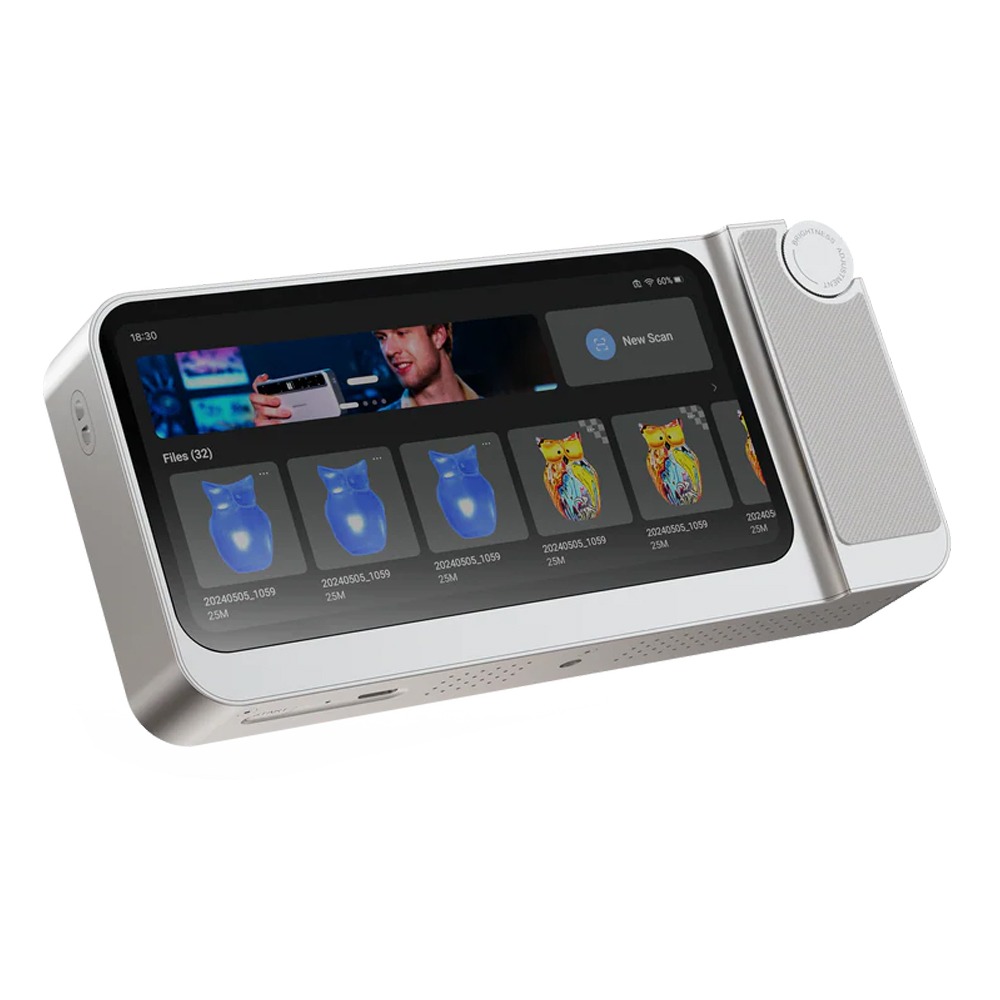
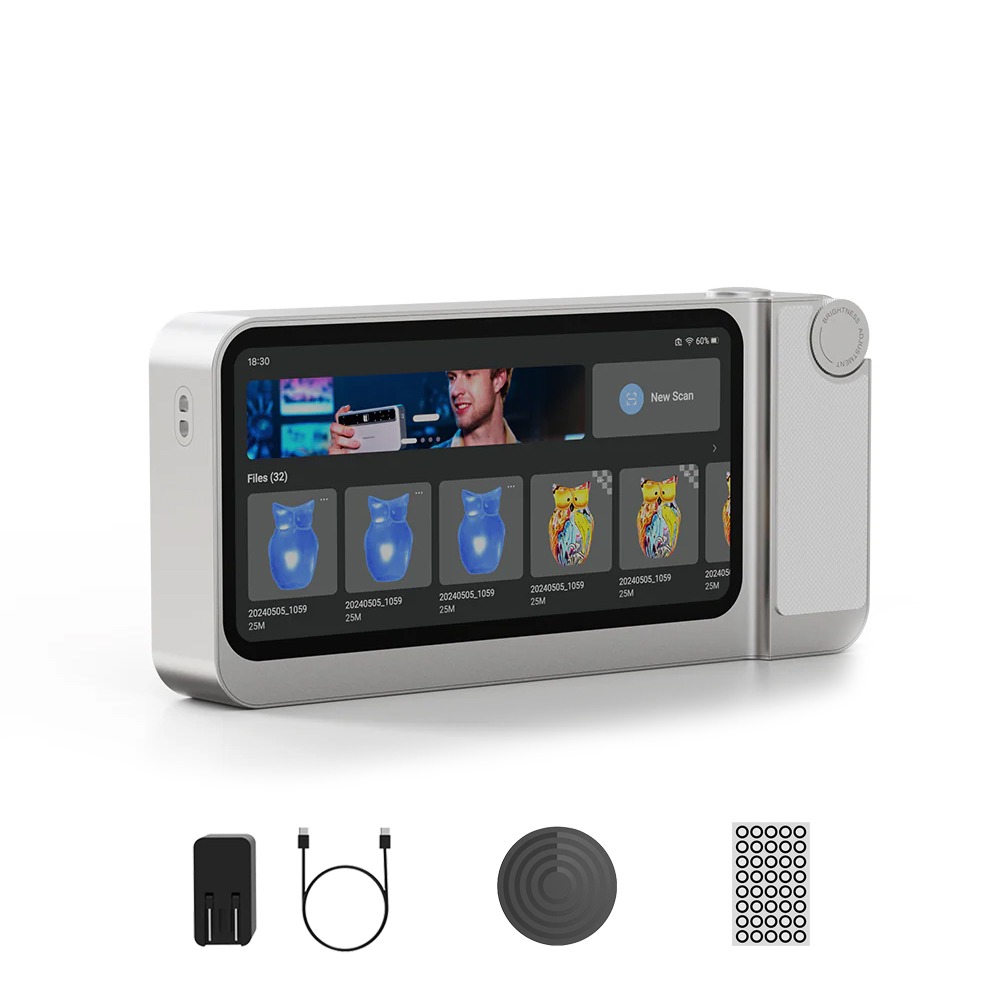
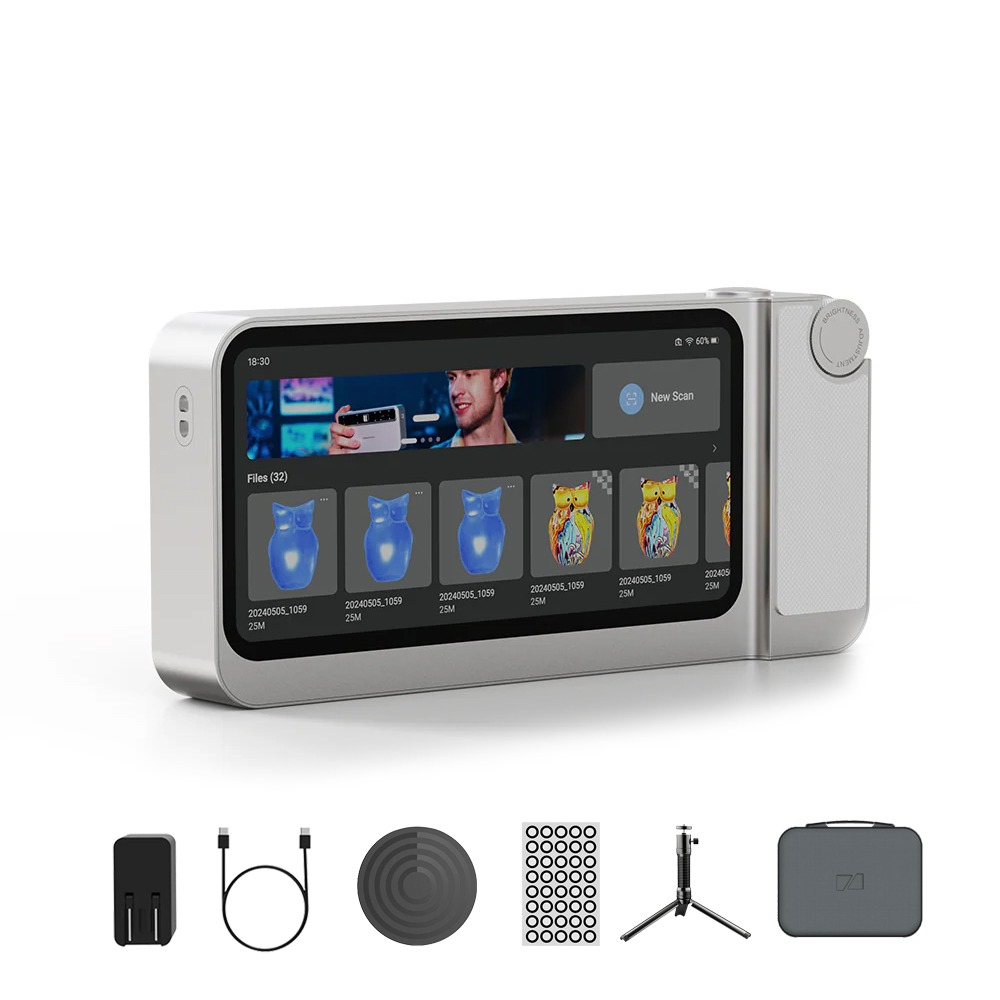
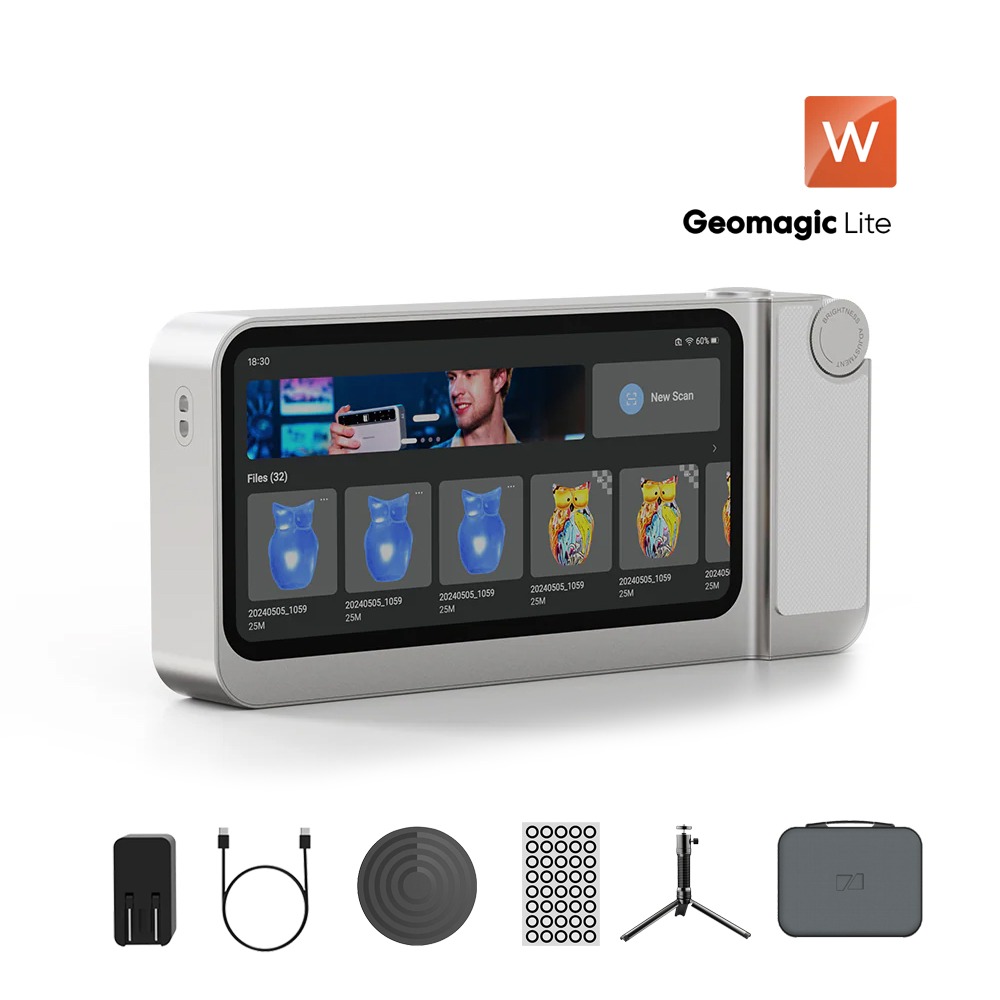
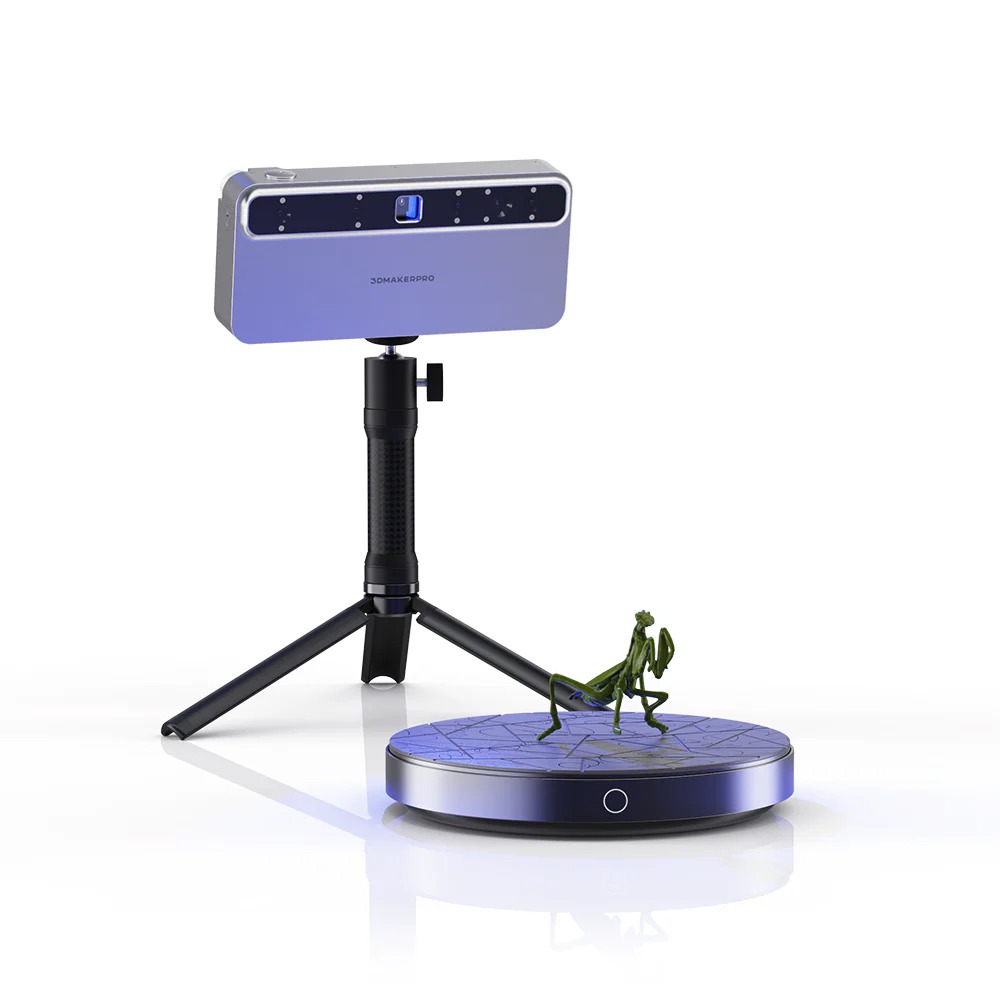
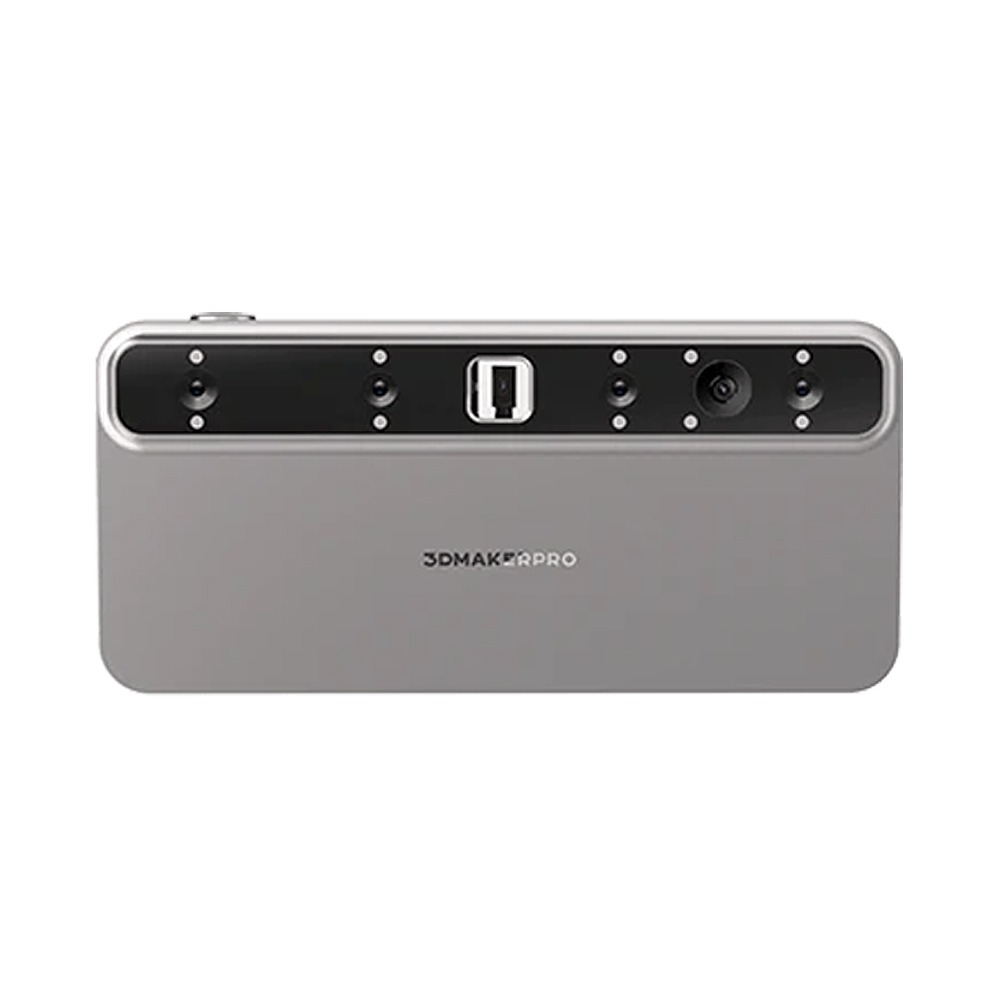
3DMakerPro Toucan Scanner – All-in-One Workflow
Finer, Larger, Brighter
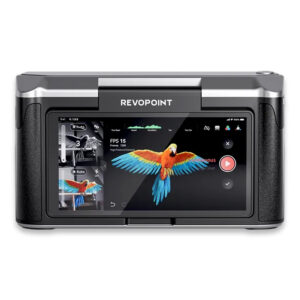
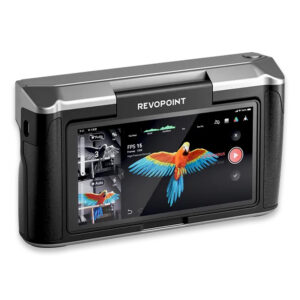
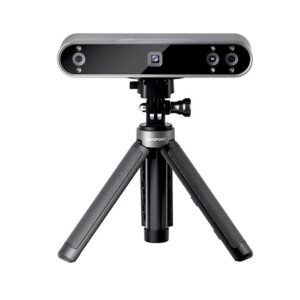
Toucan’s upgraded hardware boasts a powerful MEMS projector with better accuracy and adaptability. Near/far scan modes target objects of all sizes. One for all, all in one – From desktop figurines to life-size sculptures, Toucan lets you scan, edit, and fuse complete 3D models — all without a computer. Everything happens inside the device.
- ≤0.03 mm Accuracy
- Up to 1000×750 mm FOV
- 0.05 mm Resolution
- 1,000 mm Working Distance
- High-Power MEMS Optics
Ultra-Large Range
- Effortlessly scan cars, bodies, and furniture with expansive coverage.
- Achieve full, detailed models in seconds, ideal for large-scale objects.
Fine Scan
- Capture portraits, figurines, electronics, and car parts with sharp accuracy.
- Deliver intricate, high-quality scans for small to medium items, even on the go.
Professional Precision
- Effortlessly scan cars, bodies, and furniture with expansive coverage.
- Achieve full, detailed models in seconds, ideal for large-scale objects.
- Capture portraits, figurines, electronics, and car parts with sharp accuracy.
- Deliver intricate, high-quality scans for small to medium items, even on the go.
- Scan specimens, jewellery, and dental moulds with exceptional clarity using Phase-Shifting Structured Light, excelling with fine, thin targets.
- Create flawless, detailed models (paired with an electric turntable, sold separately).
Deep Detection, Fearless of Cavities
- Super Scan Depth
- Scans 200-1000mm, probing deep cavities such as a vase interior, storage tank, etc.
Complete in One Go, No Blanks Left
- Smart Resume Scan Mode
- Toucan recognises different object orientations, filling in gaps during the scanning process to effortlessly capture the underside and internal structures.
Convenient Design
- Toucan lets you use it just like a camera or smartphone, with operations that feel natural and intuitive.
Multi-Level Damping Wheel
- Adjusts parameters, modes, and zoom effortlessly via the wheel.
Quick Buttons
- For fast setup of scan start, pause, end, and serving as a single-shot photo mode.
First-Time Use
Toucan 3D Scanner benefits from the well-established 3DMakerpro ecosystem. This includes free scanning software (JMStudio), the Reverse Engineering tool (Geomagic Wrap for 3DMakerpro), a wide range of accessories, and a comprehensive after-sales support network.
New Features
Toucan is our first all-in-one scanner, utilising Phase-Shifting Structured Light technology. This makes it especially effective for scanning thin and delicate objects. Notably, the Toucan can independently complete scanning and meshing tasks without being tethered to a computer. However, you can still use JMStudio and Geomagic for further processing.
Workflow
Toucan 3D Scanner is capable of independently handling tasks such as scanning, point cloud editing, model fusion, and texture mapping. Once you’ve completed your scans, you can export the files to a computer via JMStudio for further processing or application.
File Formats
JMStudio software supports exporting to the following formats: OBJ, STL, PLY, and ASC. If you need additional formats, you can use third-party software for conversion.
Printing Directly
If you export the file in STL format, it can be directly imported into any slicing software for 3D printing.
Software Support
Scanned models can be exported in formats such as OBJ and STL, which are compatible with all major design software, including Autodesk CAD, Blender, C4D, Maya, Rhino, ZBrush, and Fusion 360.
VT Use
Scanned models can be directly imported into Unreal Engine or Unity3D to create VR applications. They also support the Apple ARKit for AR application development.
Marker Use
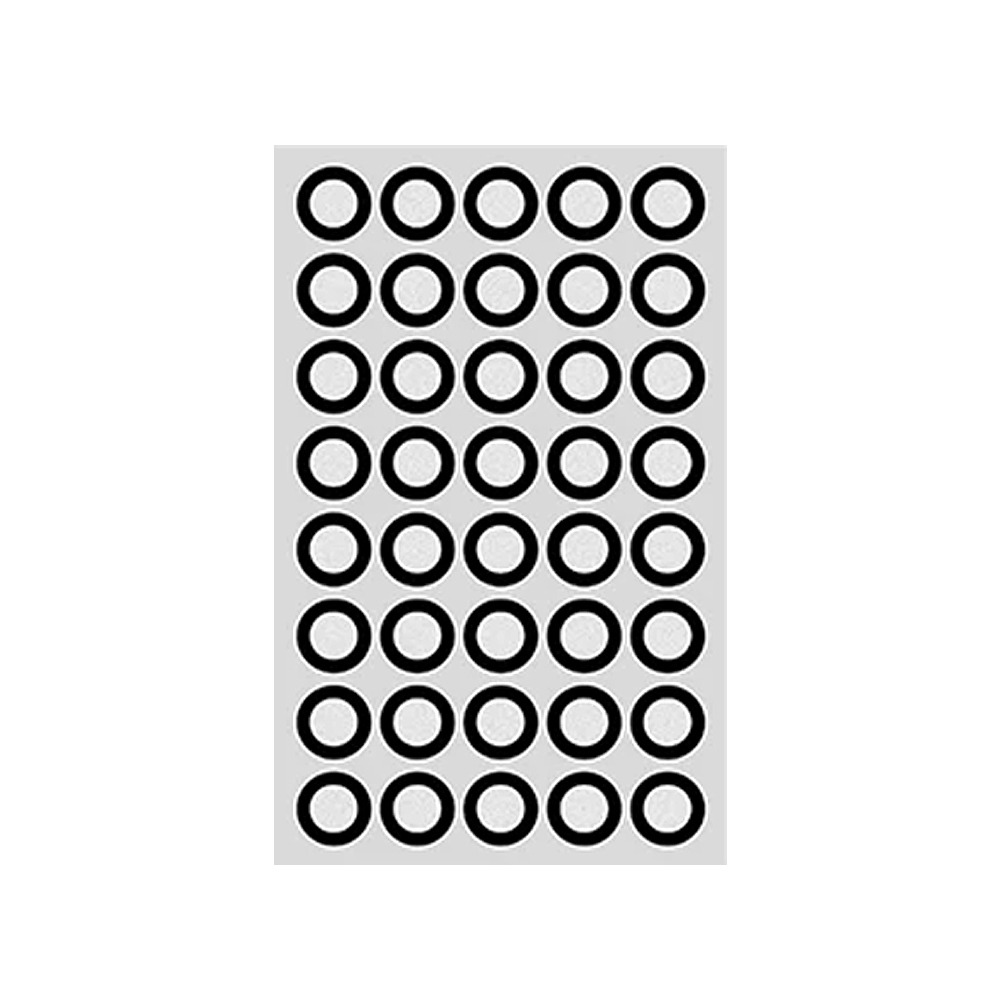
You can apply markers, but you don’t need to. Applying markers is recommended if the object’s features are unclear or difficult to identify. Toucan supports three tracking modes: feature recognition (no markers, local markers, and global markers).
Colour Scanning Support
The Toucan 3D Scanner features a 48MP colour texture camera, allowing it to generate detailed colour models.